Desk Reservation
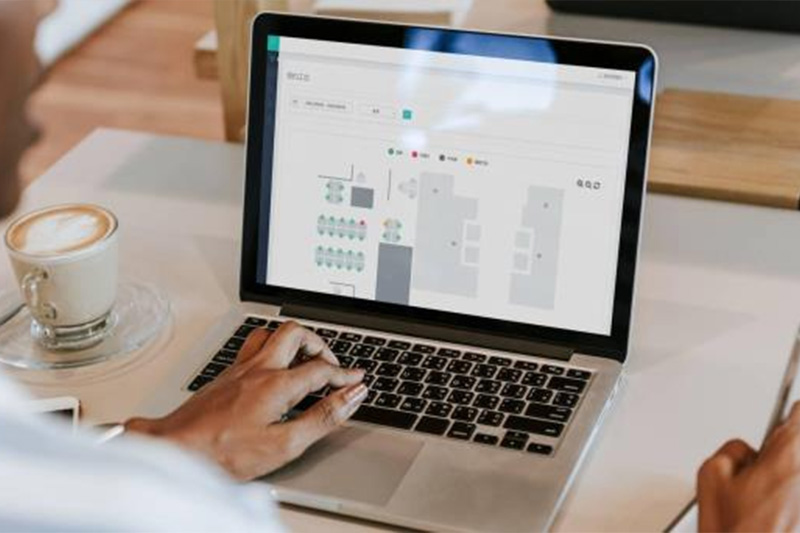
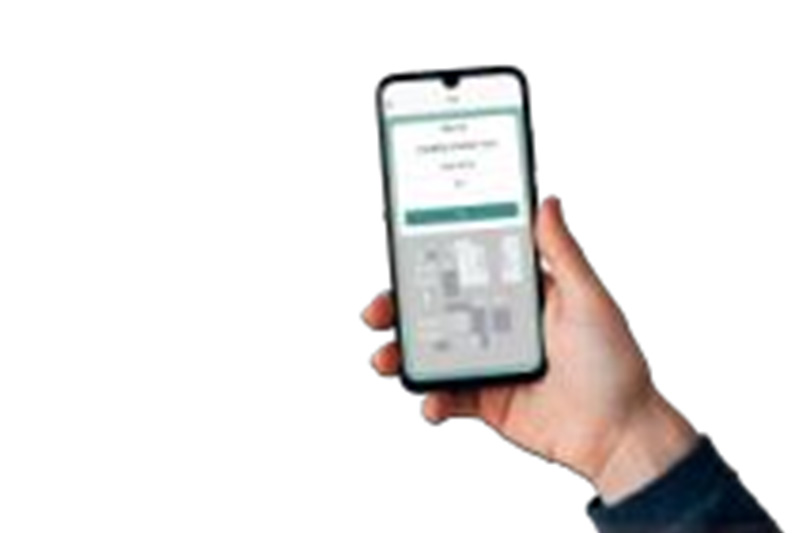
1.Reservations can be made on both the WEB end and mobile end (App, DingTalk, public account, etc.). The usage status of desks can be viewed on the visualization end, and check in can be performed when using a desk.
2.Scan the QR code on the sign of an available desk to make a reservation. The sensor detects occupancy in real time, and once someone starts using the desk, the status is automatically updated.
Location Query
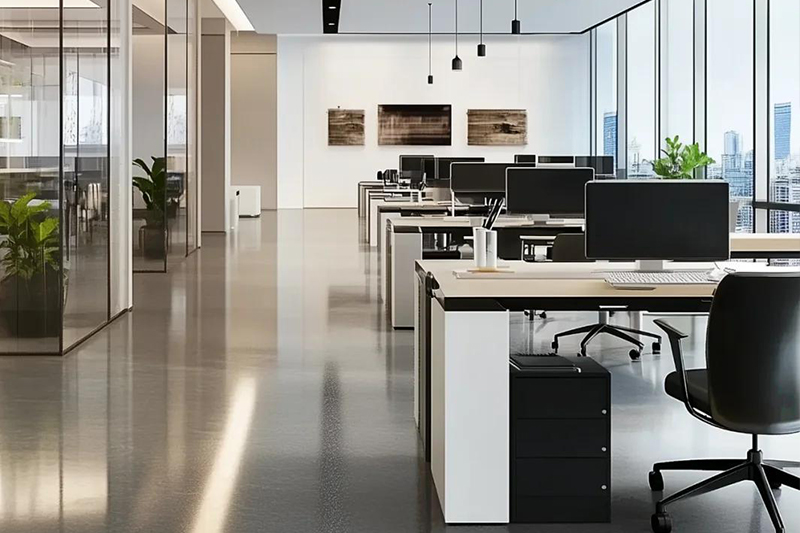
The occupancy status of desks can be viewed on VR glasses, mobile devices, and data visualization dashboards, along with the location of each desk.
Path Navigation
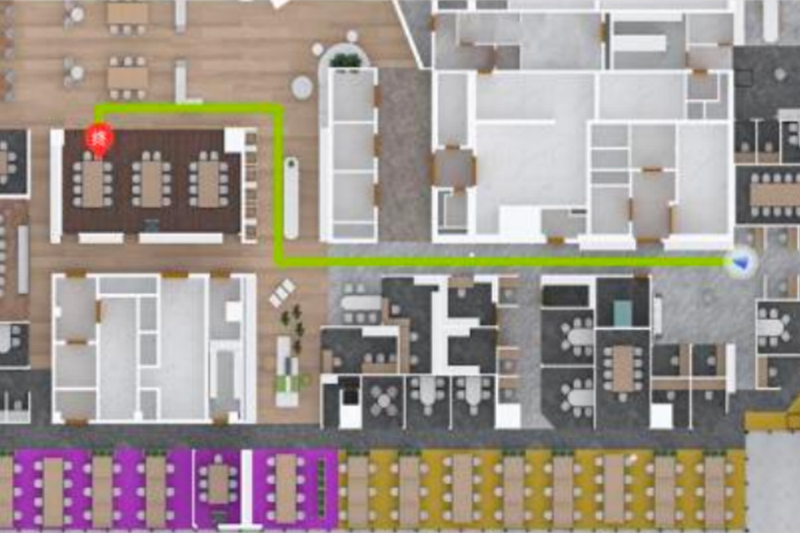
Path navigation and import functions are available.
Desk Check in
Users can scan the QR code at the desk with their mobile phones to manage usage. When desk usage begins, sensors update the status in real time, and automatic check in is triggered when someone is detected.
Desk Release
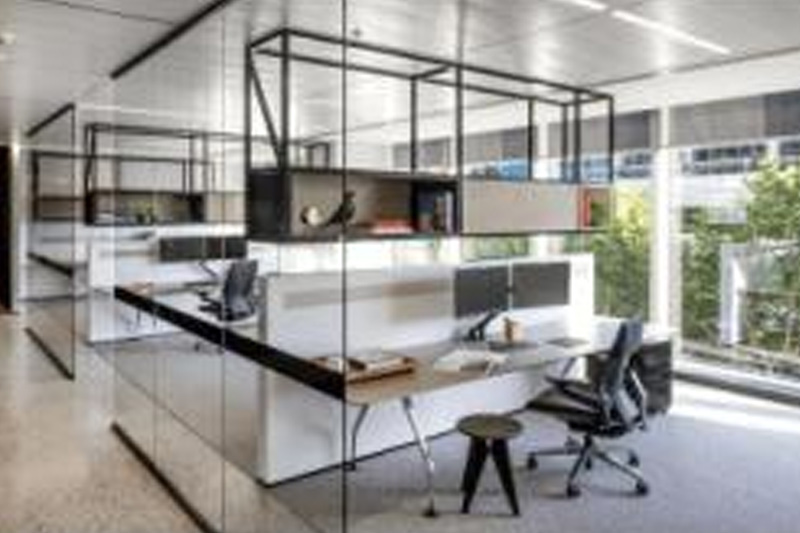
If a desk remains unused for one hour after the user leaves, it will automatically release the occupied resources, making it available for others to use. (The auto release time can be customized.)